Save questions to revisit, keep notes, and report a question that looks wrong.
Bookmarks and notes
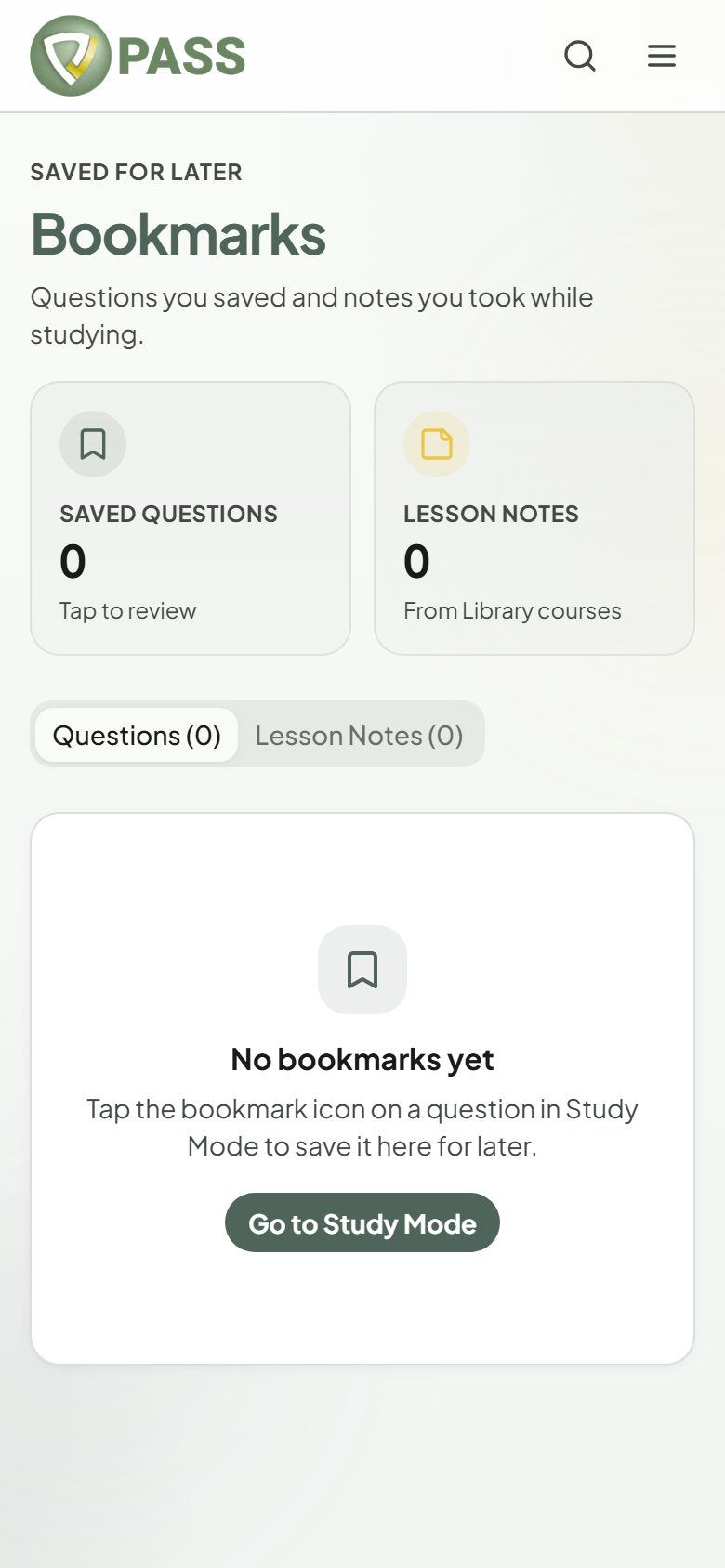
Tap "Bookmark" on any question to save it. Your Bookmarks page lists every saved question, filterable by domain, with "Open", "Remove", and "Add note". Notes you write on lessons appear there too, under "Lesson Notes". Bookmarks and notes are unlimited on every plan.
Build a "Redo" set: start a Study session with Questions set to "Bookmarked" the week before your exam.
Reporting a problem
1Tap "Report an issue" on the question.
2Choose a reason: incorrect answer marked correct, outdated information, unclear wording, wrong rationale, or other.
3Add details if you like, then tap "Submit flag". Our clinical team reviews every flag.