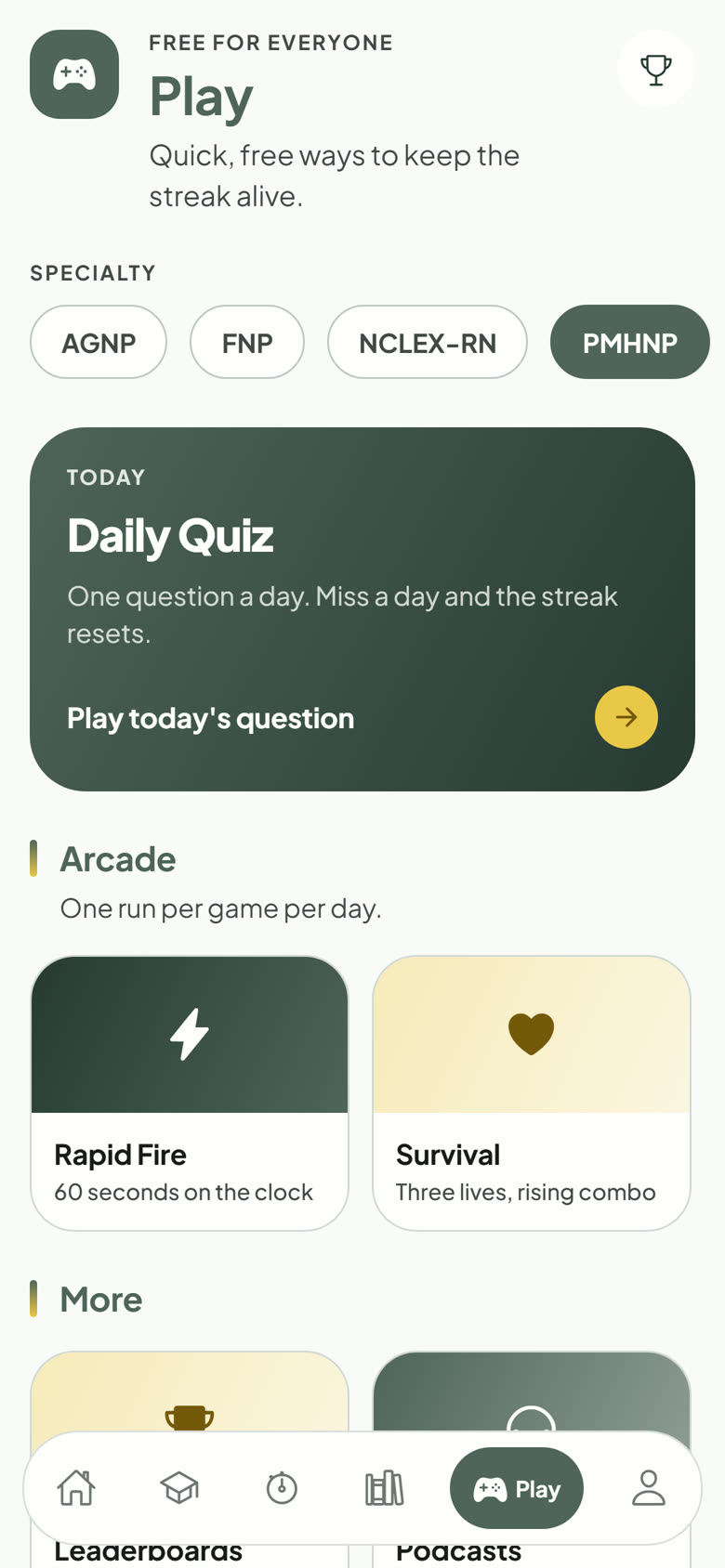
What is on each tab, and which tasks open the website instead.
The app has six tabs along the bottom:
Home — your stats, weakest domains, and shortcuts to jump back in.
Study — build a study session with filters, or open a case study.
Exam — timed practice exams and the Readiness Exam.
Learn — courses, mnemonics, cheat sheets, flashcards, My Misses, and My Cards.
Play — the Daily Quiz, Rapid Fire, Survival, leaderboards, and podcasts.
Account — notifications, preferences, password, your plan, and support.
Everything stays in sync
Answers, bookmarks, notes, highlights, flashcard progress, and streaks are saved to your account, so you can start on your phone and finish on a computer.
What opens the website
A few tasks open passnp.com in your browser: buying or managing a plan, booking live classes and coaching, premium study groups, some course videos, certificates, and Jeopardy. Sign in there with the same account.