Install the app, sign in, and pick up exactly where you left off.
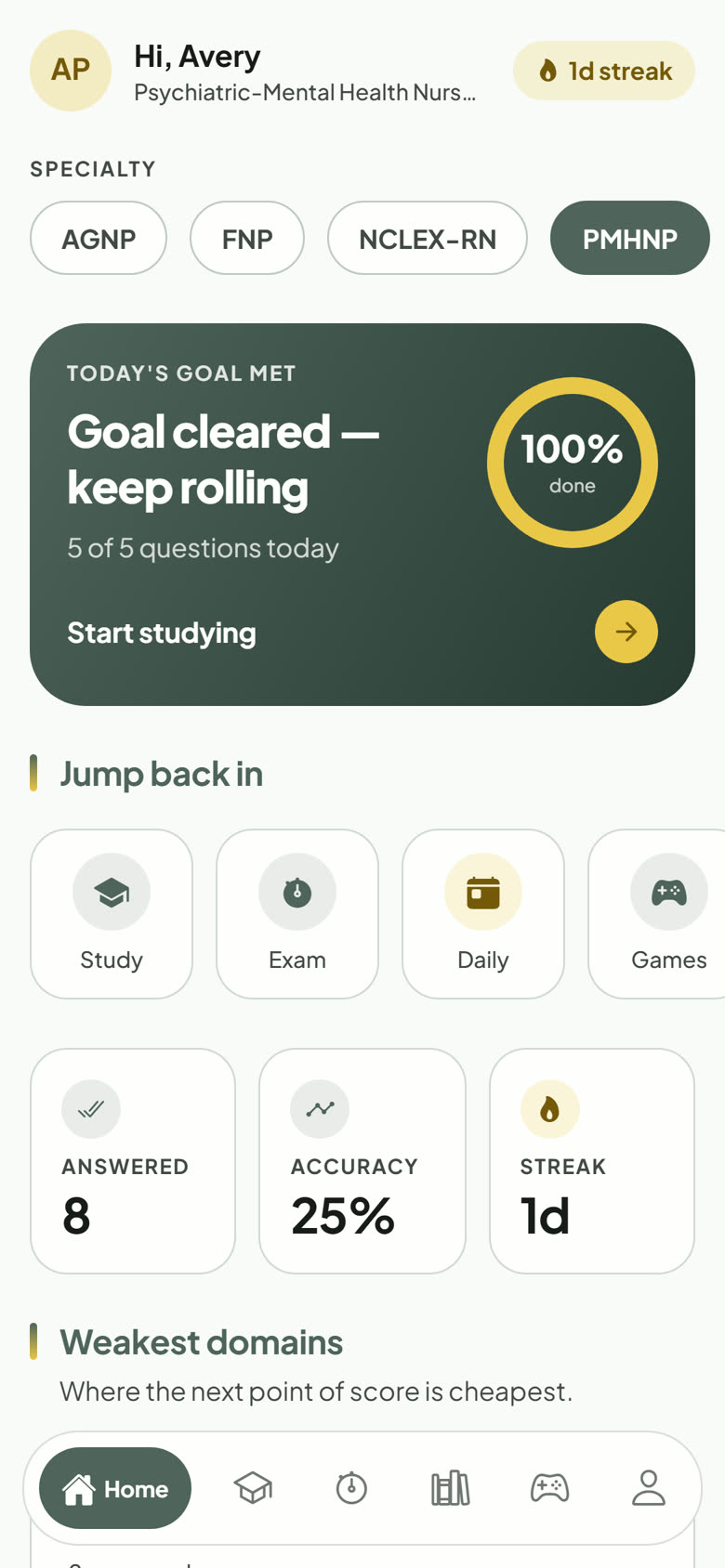
The PASSNP app puts the same question bank, rationales, and progress on your phone. There is nothing to migrate: sign in with the account you already use on the website.
1Search for "passnp" in Google Play (Android) or the App Store (iPhone and iPad) and install it.
2Open the app and tap "I already have an account", or "Get started — it’s free" if you are new.
3Sign in with your email and password, Google, or (on iPhone) Apple.
4Allow notifications when asked if you want Daily Quiz and class reminders.
If the app is not in your store yet, it is still rolling out. In the meantime, open passnp.com in your phone’s browser and choose "Add to Home Screen". It works just like an app.