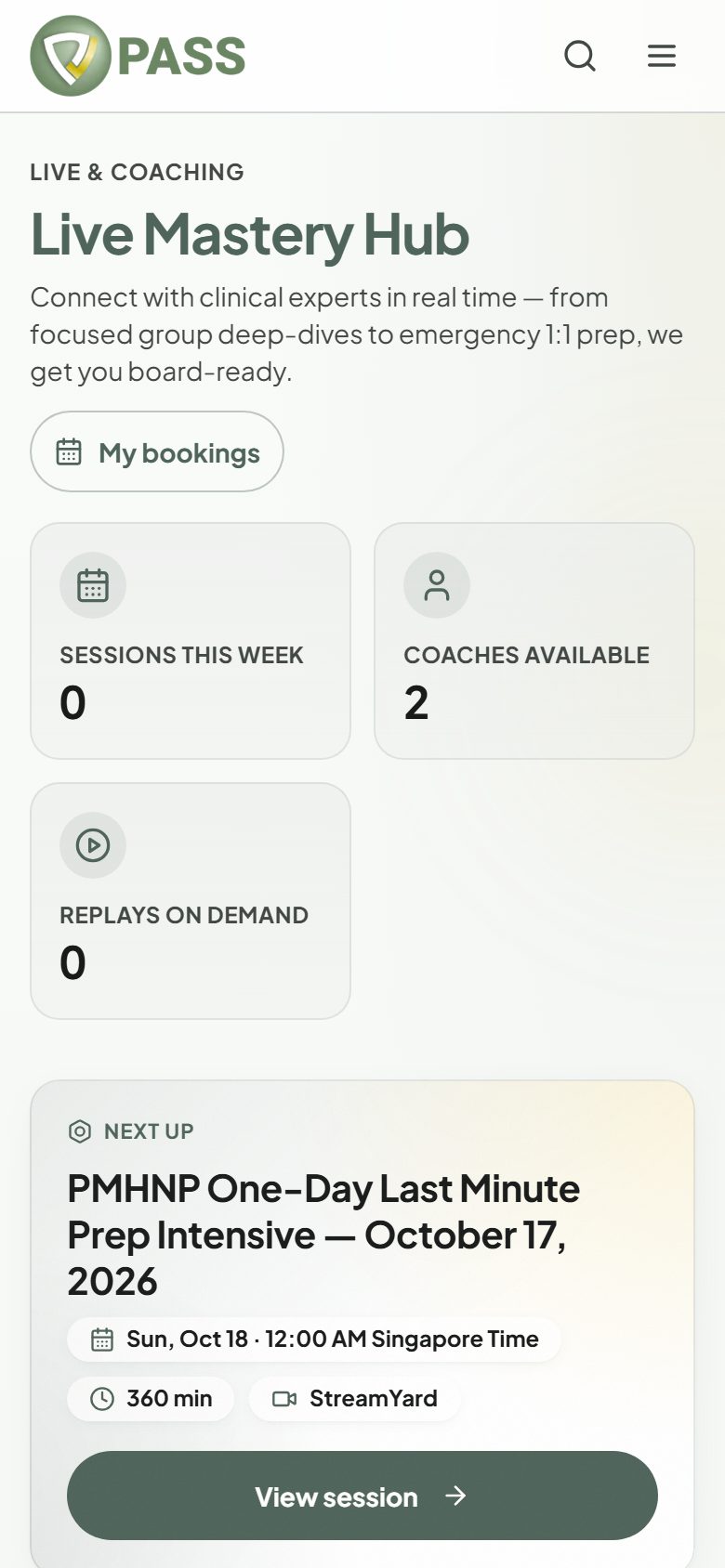
Join scheduled classes with board-certified clinicians, online or in person.
Open Live Classes from the menu. The "Group Classes" tab lists upcoming classes in your time zone, each marked Zoom, Google Meet, StreamYard, or In person, with its price.
1Pick a class and tap "Book Spot".
2Pay securely through Stripe. A free class, or one covered by your free seat, books instantly.
3You get a confirmation email with the join link, or the venue for an in-person class.
Full? Tap "Waitlist" and we will let you know if a spot opens.
Every All-Access Pass purchase includes one free seat in an eligible class. Look for "Free with your credit".
Missed a class? Check the "Replays" tab.
In the mobile app, booking opens the website. Sign in there with the same account.