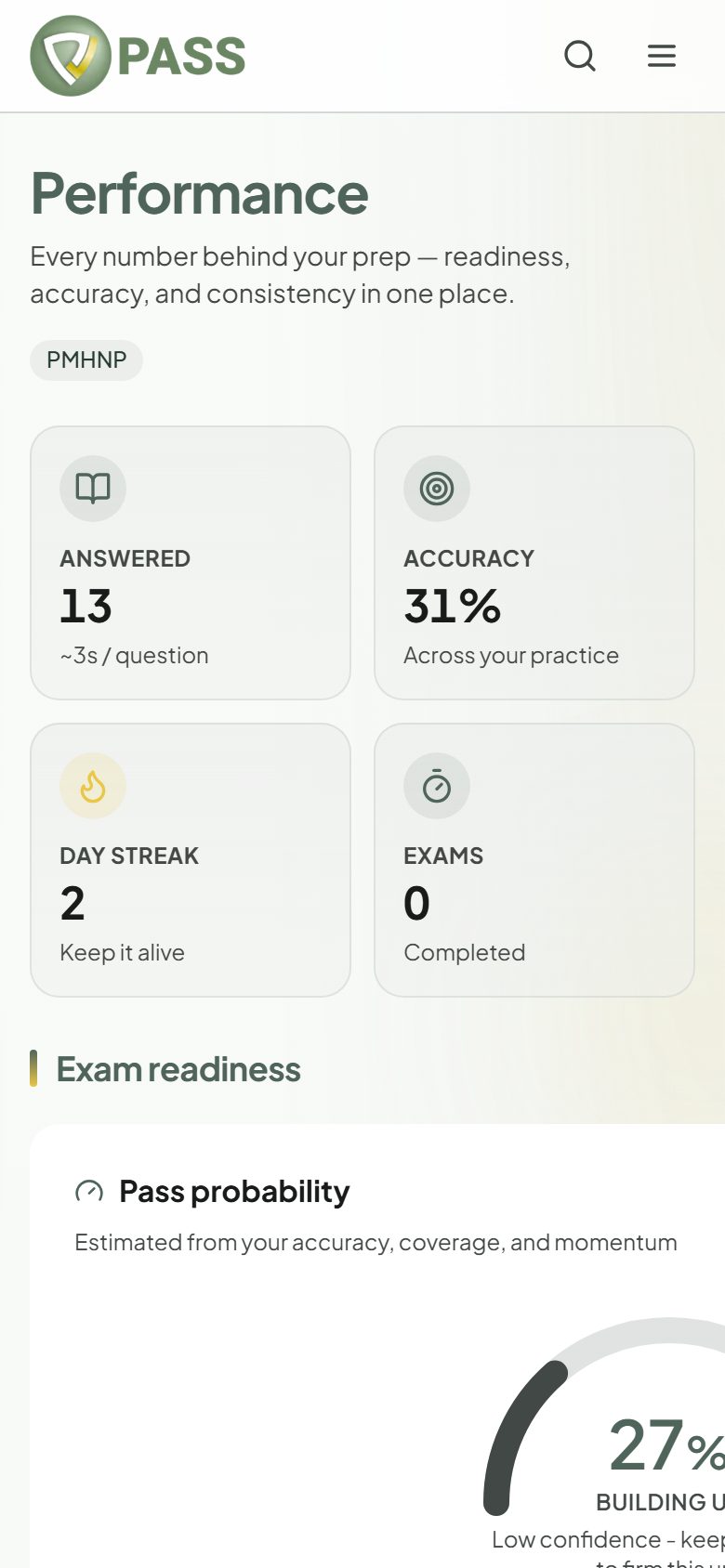
Read your Performance page and turn weak areas into a study plan.
Performance shows how you are really doing: questions answered, accuracy, day streak, and exams taken, plus your exam readiness and how your scores are trending.
1Look at "Weak areas". These are the domains where you are below 70%.
2Tap "Practice" next to one to start a Study session on just that domain.
3Come back after a few sessions and watch the domain move.
Free accounts see their last 7 days. The All-Access Pass shows your full history.