
Help Center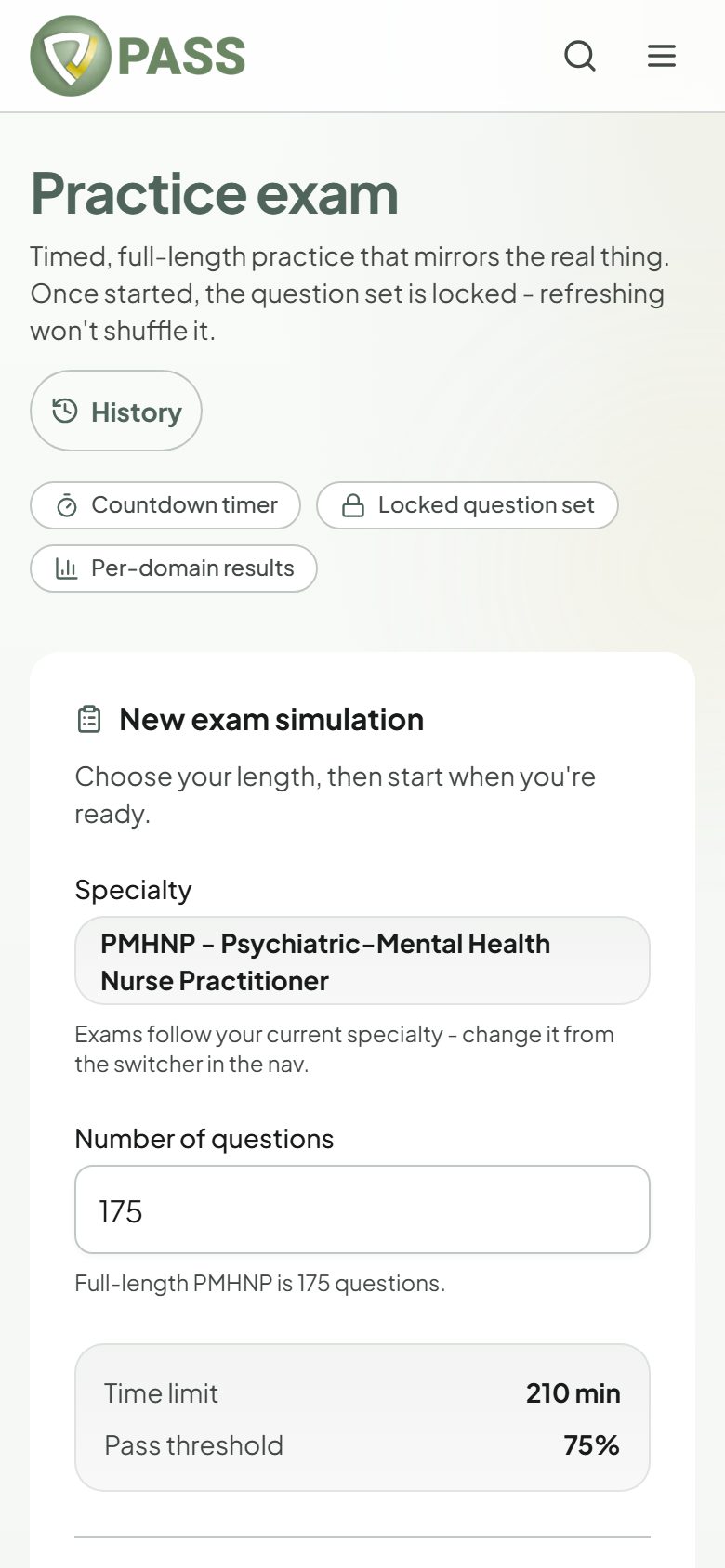
Exam Mode
Taking a full-length practice exam
Timed simulations that run like your real board exam.
Exam Mode runs a timed test with the same tools and pressure as exam day. It is included with the All-Access Pass.
- 1Open Qbank and choose "Practice exam" (it is also on Home).
- 2Set the "Number of questions" (it starts at your exam’s full length) and check the "Time limit".
- 3Tap "Start exam". The clock starts right away.
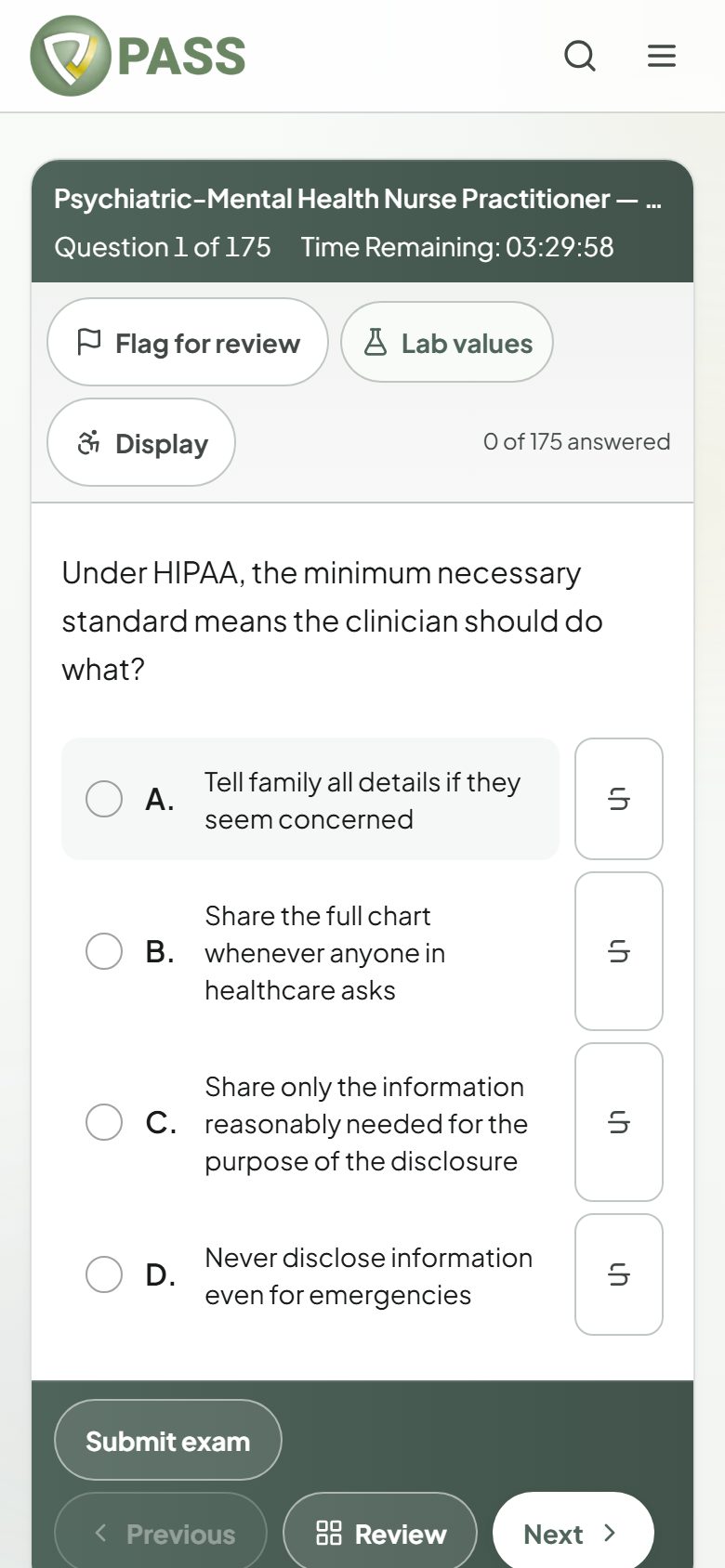
- 4Answer, and use "Flag for review" on anything you want to come back to. "Review" shows every question as answered, unanswered, or flagged.
- 5Tap "Submit exam" when you are done. If time runs out, the exam submits itself.
- Unanswered questions count as wrong, just like on the real exam, so answer everything.
- If you leave the page, the clock pauses. Resume the exam from "Previous attempts" in Qbank.
Didn’t find what you needed?
Check the FAQ for common questions, or browse the rest of the Help Center.