What each section of PASSNP does and where to find it.
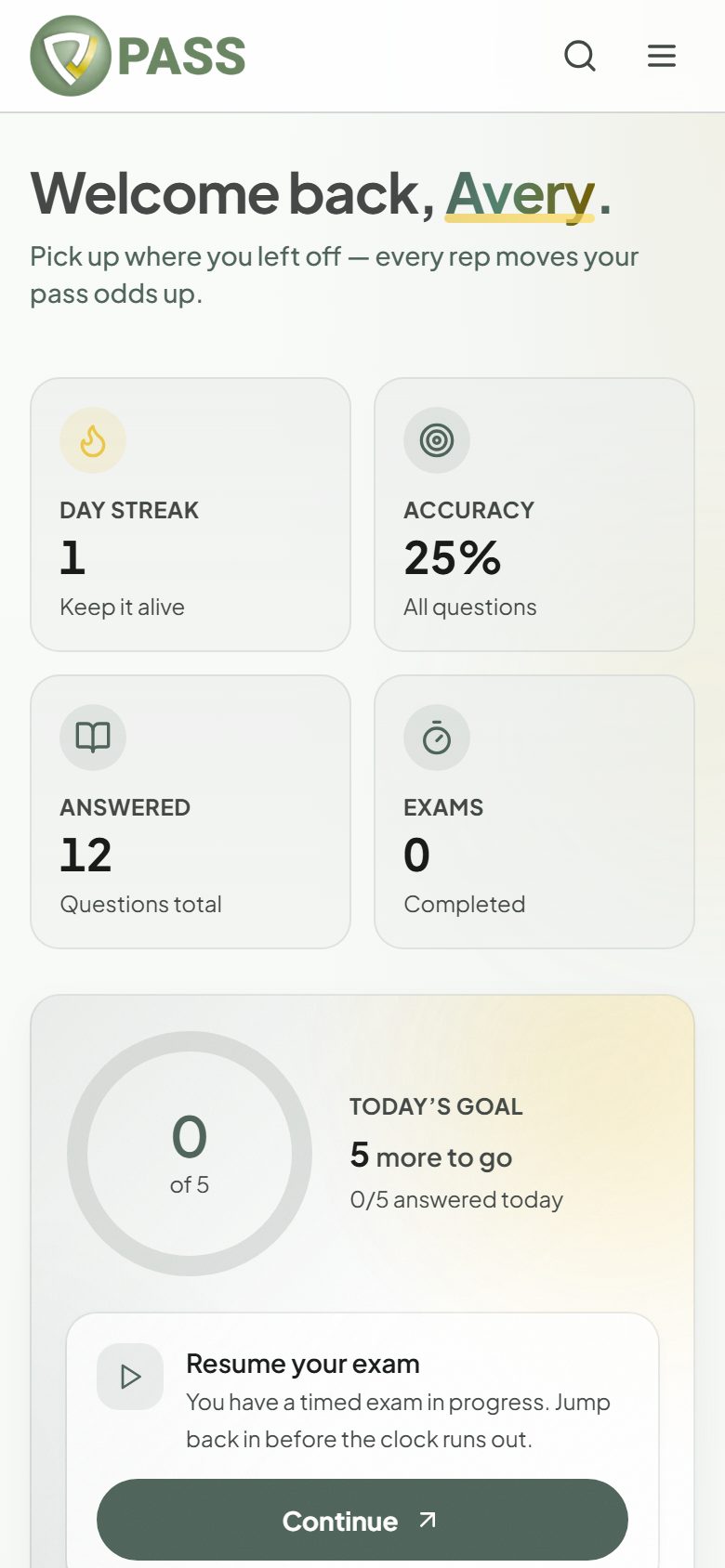
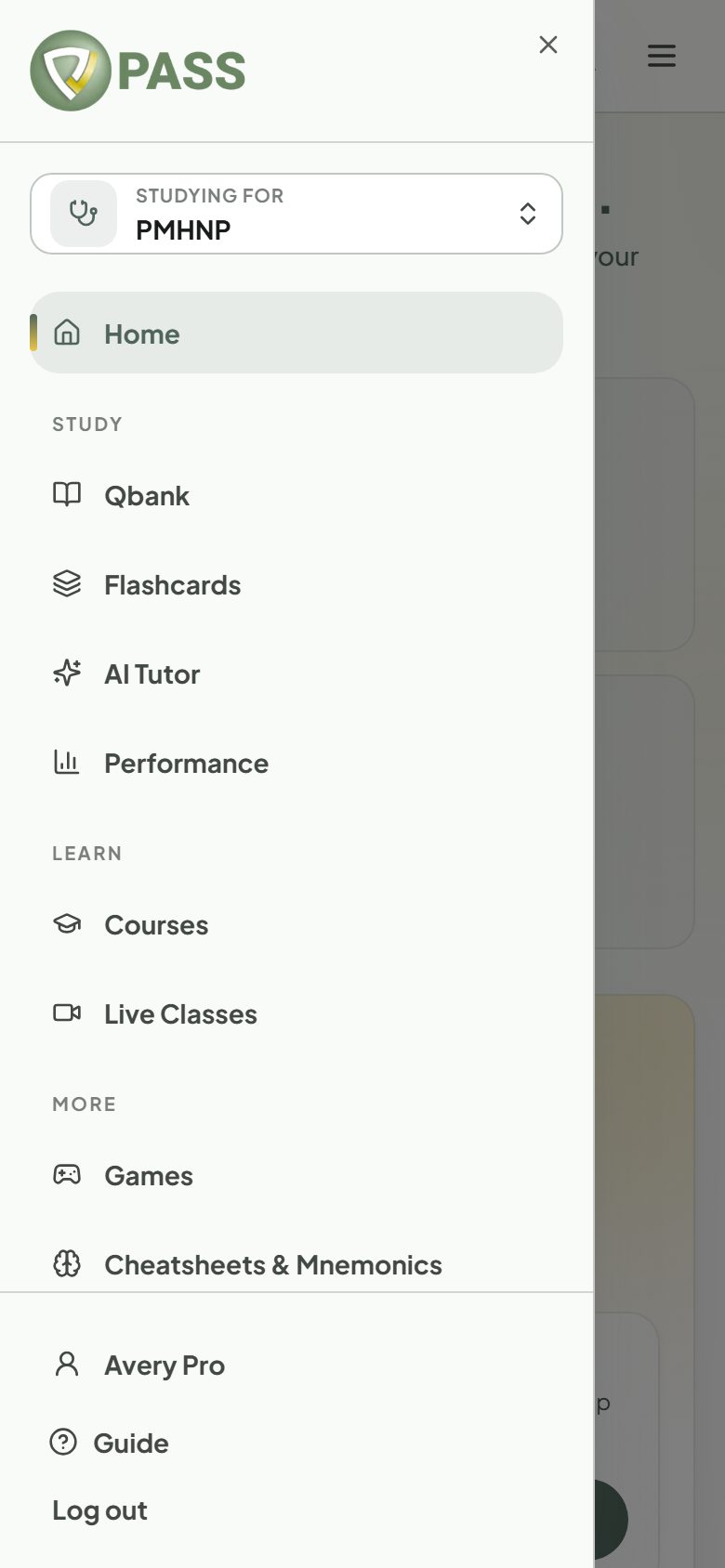
After you sign in you land on Home: your streak, accuracy, today’s goal, and the next thing to do. Everything else is in the menu (the sidebar on a computer, the ☰ button on a phone).
Study
Qbank — Study Mode, plus "Practice exam", "Readiness exam", "Review bookmarks", "Search questions", and "Previous attempts".
Flashcards — spaced-repetition decks, plus "My Misses" and "My Cards".
AI Tutor — a study chat that knows your results (All-Access Pass).
Performance — accuracy by domain, trends, and your weak areas.
Learn
Courses — structured video courses with lesson quizzes.
Live Classes — group classes and 1:1 coaching.
More
Games — the Daily Quiz, Rapid Fire, Survival, and Jeopardy.
Cheatsheets & Mnemonics — memory aids and printable one-pagers (shown when your exam has them).
Podcasts — free review episodes, with transcripts.
Community — study groups and discussion.
Press Ctrl+K (Cmd+K on a Mac) to search pages, courses, flashcard decks, podcasts, study groups, and this Help Center from anywhere.