
Help Center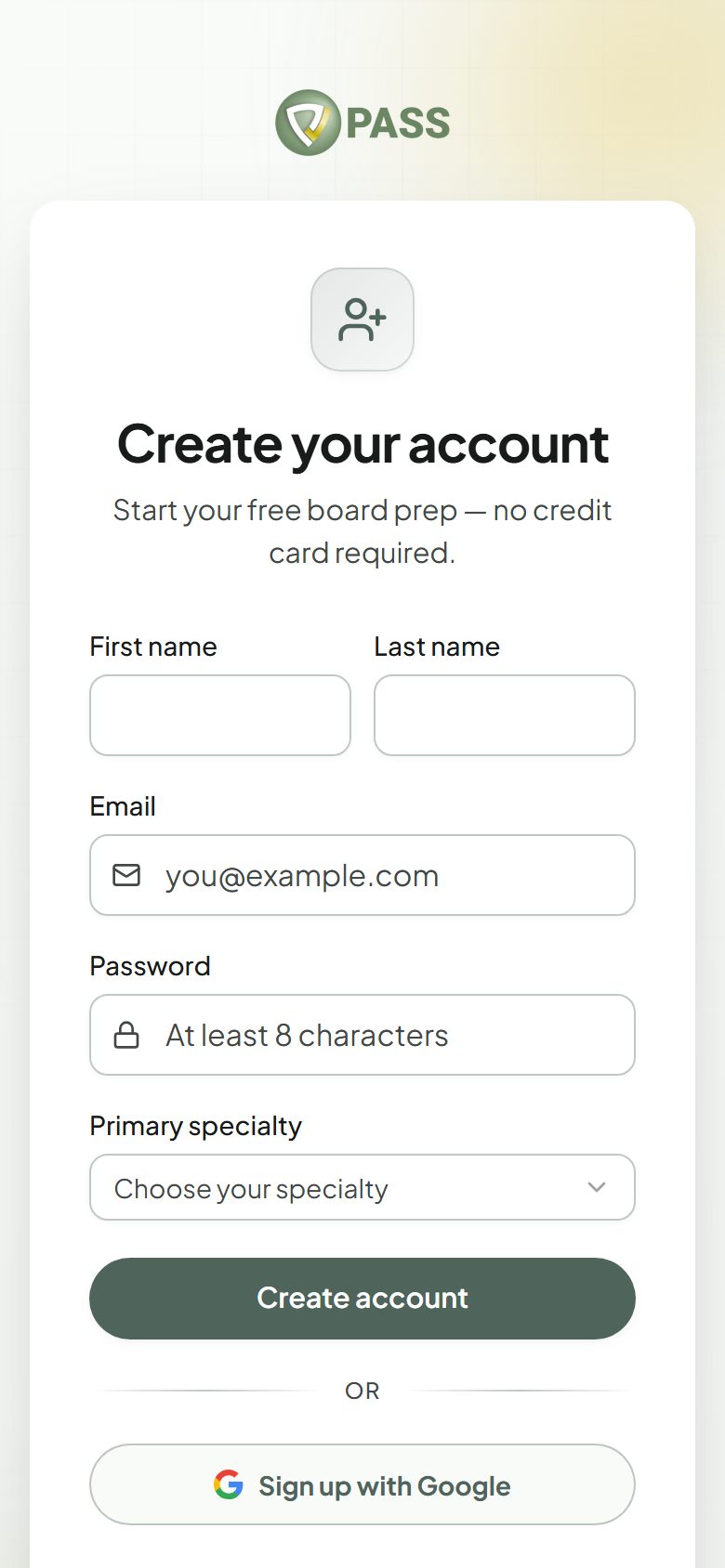
Sign up with email, or continue with Google.
Getting started
Creating your account
Sign up with email, Google, or Apple and start studying in about a minute.
PASSNP is free to start. No credit card is needed.
- 1Go to the sign-up page and enter your name, email, and a password, or choose "Continue with Google".
- 2Pick the exam you are preparing for (PMHNP, FNP, AGNP, NCLEX-RN, or NCLEX-PN).
- 3You land on Home and can start answering practice questions right away.
- Google sign-in works on the website and in the mobile app.
- Sign in with Apple is available in the iPhone app.
- Whichever way you sign up, it is one account. Your progress is the same on the website and in the app.
Signed up with Google and want a password too? Go to Account and use "Set a password".
More in Getting started
Didn’t find what you needed?
Check the FAQ for common questions, or browse the rest of the Help Center.