
Help Center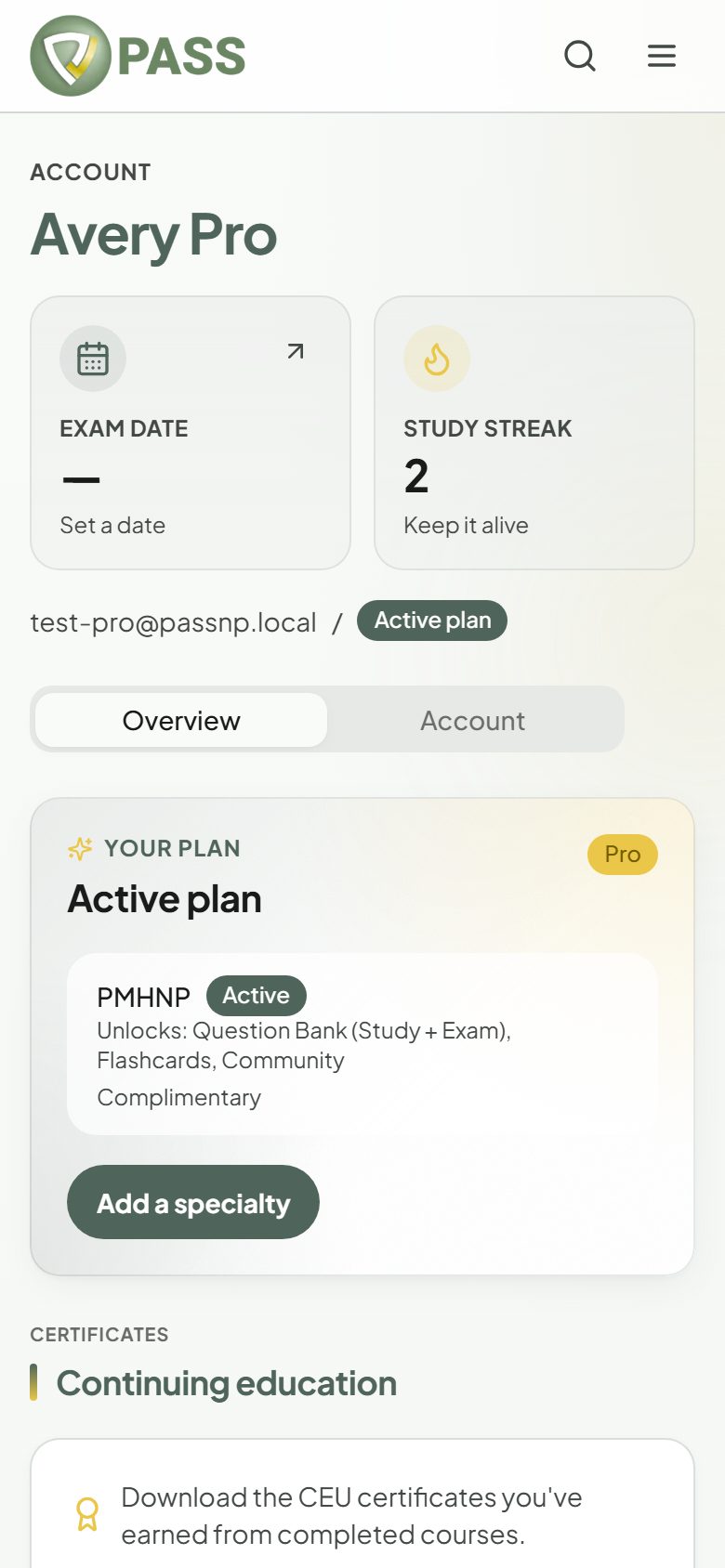
Plans, Billing & Account
Managing or cancelling your plan
Cancel a monthly pass, find receipts, and know what happens when access ends.
All payments are processed by Stripe. PASSNP never sees or stores your card details.
- 1Go to Account → Overview.
- 2Tap "Manage billing" to update your card, cancel a monthly pass, or download invoices.
- 3Your plan status shows "Renews <date>", "Cancelled — access until <date>", or "Prepaid pass · Until <date>".
- Receipts for every purchase are under "Billing & receipts" on the Account page.
- We email you 7 days and 1 day before your access ends.
- When access ends, your account returns to the free plan. Your progress, bookmarks, notes, and history stay, and nothing is deleted.
- You cannot buy a second pass for an exam while the first is still active.
Questions about a charge or a refund? Contact support and we will help.
More in Plans, Billing & Account
Didn’t find what you needed?
Check the FAQ for common questions, or browse the rest of the Help Center.