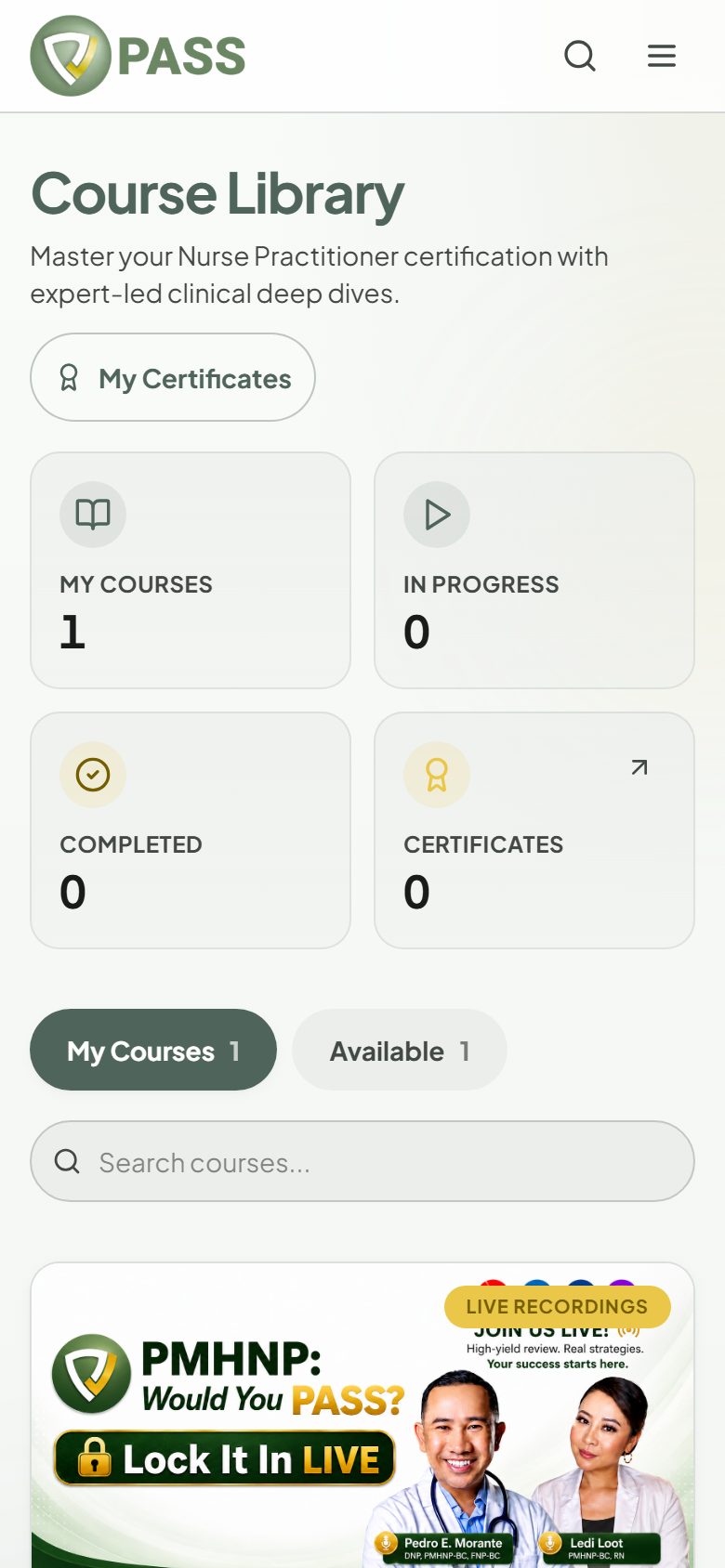
Video lessons, practice quizzes, and progress tracking.
Courses give you a structured path through the material. Open Courses from the menu. Course availability varies by exam.
1Tap "Start Course" (or "Continue" to pick up where you left off).
2Work through each "Video lesson", then tap "Mark as Complete".
3Take each "Practice quiz". You can retake quizzes as often as you like, and they do not count toward the free daily question limit.
4Use "Resources & Downloads" for handouts and "Take Notes" to keep notes on a lesson.
Courses are included with the All-Access Pass for their exam. A locked course shows "Buy Access Plan"; courses are not sold on their own. Some courses are free for everyone.