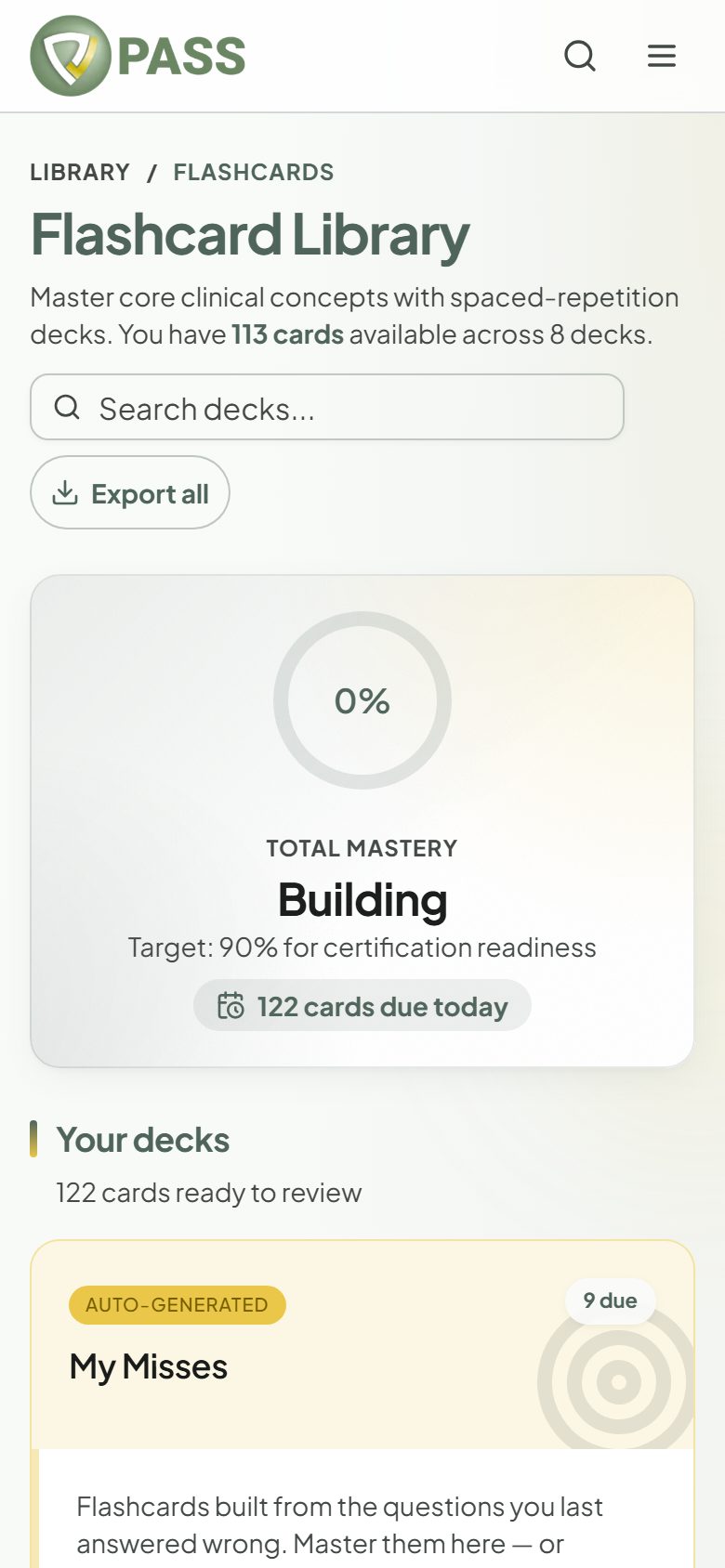
Review decks in short daily sessions and rate how well you knew each card.
Flashcards are included with the All-Access Pass. Decks are organized by topic for your exam.
1Open Flashcards and tap "Study Now" on a deck.
2Choose "All cards", "Due today", or "Unmastered".
3Reveal the answer, then rate yourself: "Again", "Hard", "Good", or "Easy". On a keyboard press 1–4; on a phone you can swipe left for Again or right for Good.
Ten minutes of "Due today" every day beats an hour once a week. Decks can also be downloaded as a PDF.