
Help Center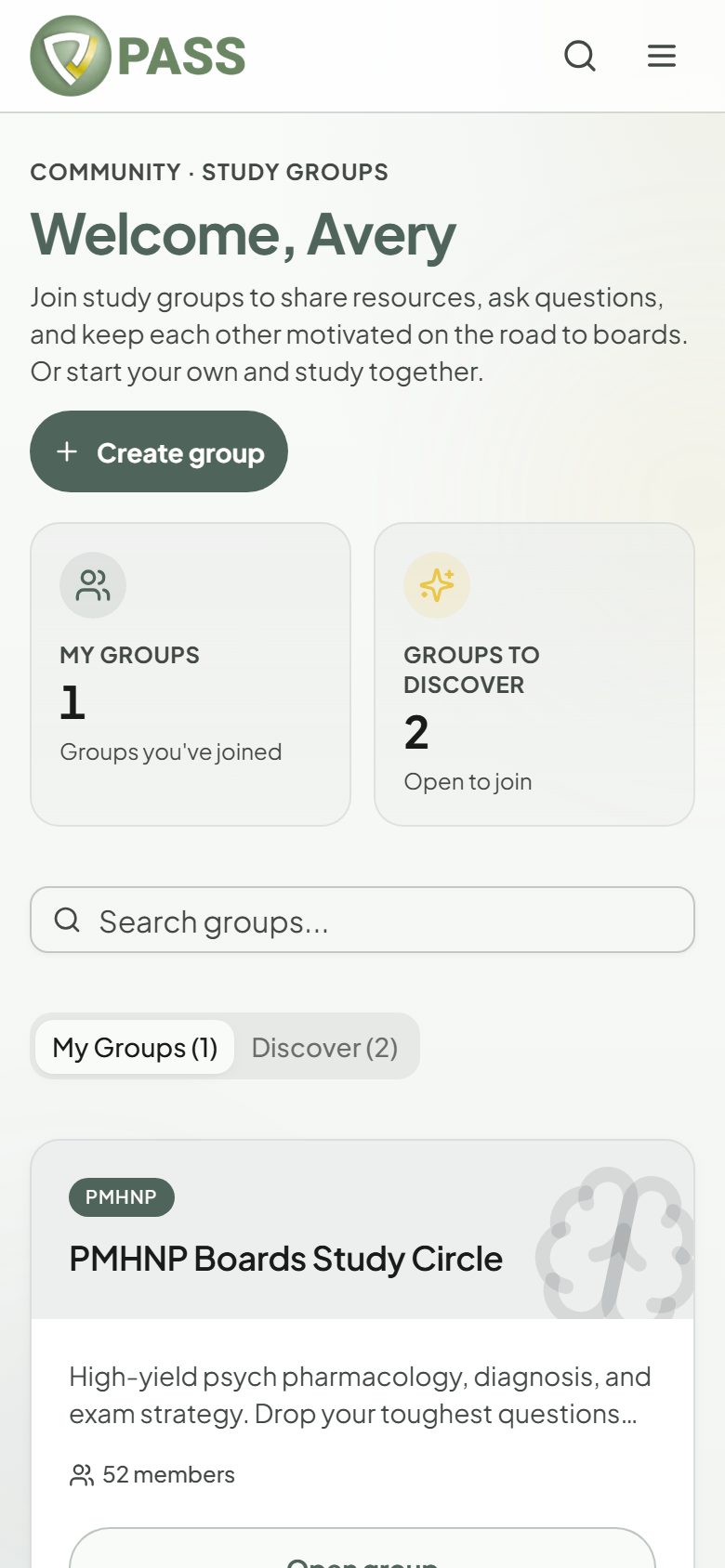
Community
Joining the community
Study groups, posts, and discussion with other candidates.
Community is where PASSNP students study together. Anyone signed in can browse.
- 1Open Community and browse the groups.
- 2Tap "Join group", or "Request to join" for a private group.
- 3Post text or a photo, like posts, and comment. Sort a feed by Recent or Top.
- 4Want your own? Tap "Create group" and make it public or private.
Most groups are free. Premium groups are marked and unlock with their own membership or a bundle that includes them.
Keeping it friendly
- "Report post" sends a post to our moderators.
- "Mute" hides someone’s posts and comments from you.
- In the app, you can also block a member. Unblock them under Account.
Didn’t find what you needed?
Check the FAQ for common questions, or browse the rest of the Help Center.